

How to Fix PUBG Lag (Complete Guide to Boost FPS & Reduce Ping in 2026)
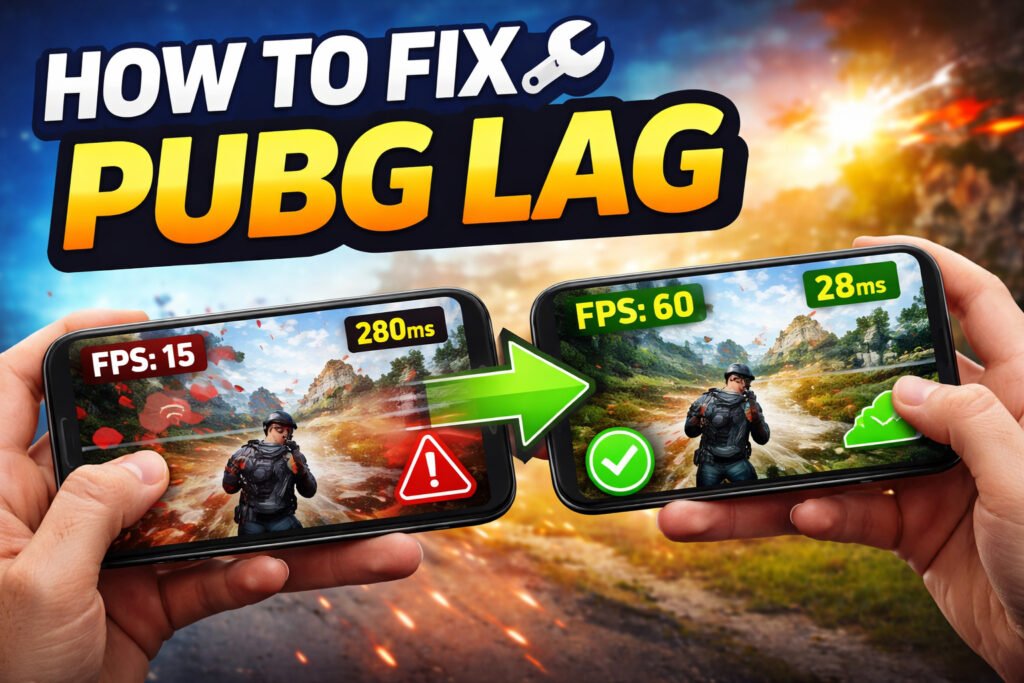
How to Fix PUBG Lag?
If you’re struggling with lag in PUBG Mobile, you’re not alone. Many players face issues like frame drops, stuttering, and high ping. In this complete guide, you’ll learn how to fix PUBG lag, boost FPS, and enjoy smooth gameplay on any device.
What Causes PUBG Lag?
Before fixing the issue, it’s important to understand why PUBG lags:
- Low device performance (RAM/processor issues)
- High graphics settings
- Unstable or slow internet connection
- Background apps consuming resources
- Server-related issues
1. Best Graphics Settings to Fix PUBG Lag
Optimizing graphics settings is the fastest way to fix PUBG lag on Android devices:
- Graphics: Smooth
- Frame Rate: High or Ultra
- Style: Classic
- Anti-Aliasing: Disable
- Shadows: Disable
These settings help boost FPS in PUBG Mobile and reduce lag significantly.
2. How to Reduce Ping in PUBG Mobile
High ping causes delay and lag during gameplay. Follow these steps to reduce ping in PUBG:
- Use a stable Wi-Fi connection
- Switch to a server with lower latency
- Avoid playing during peak internet usage hours
- Turn on Airplane mode for a few seconds and reconnect
3. Close Background Apps to Improve Performance
Running apps in the background consume RAM and CPU, leading to PUBG lag. Always close unused apps before starting the game.
4. Enable Game Booster Mode
Most smartphones include a built-in Game Booster or Game Mode. It helps improve performance by:
- Blocking notifications
- Optimizing CPU/GPU usage
- Reducing background activity
5. Clear Cache to Fix PUBG Stutter
Cache files can slow down performance over time. Clearing cache can fix PUBG stutter issues:
- Go to Settings > Apps > PUBG Mobile
- Tap on Storage
- Click “Clear Cache”
6. Free Up Storage Space
Low storage can cause lag and performance issues. Keep at least 15–20% storage free for smooth gameplay.
7. Use GFX Tool for Advanced Optimization
GFX tools allow you to customize graphics settings beyond default limits. This can help boost FPS and reduce lag on low-end devices.
8. Keep PUBG Updated
Game updates fix bugs and improve performance. Always install the latest version of PUBG Mobile.
9. Prevent Device Overheating
Overheating reduces performance and causes FPS drops. To avoid this:
- Do not play while charging
- Remove phone cover while gaming
- Take short breaks between matches
10. Advanced Tips to Fix PUBG Lag
- Use Lite version (if available)
- Disable unnecessary system animations
- Restart your device regularly
- Use 5GHz Wi-Fi instead of 2.4GHz
Best Devices for Smooth PUBG Gameplay
If you still face lag, consider upgrading to a device with at least:
- 6GB RAM
- Snapdragon 700 series or higher
- 90Hz or 120Hz display
Conclusion
Fixing PUBG lag is easy if you follow the right steps. By adjusting settings, improving internet connection, and optimizing your device, you can enjoy smooth and lag-free gameplay in 2026.
Read More: How to Start a Gaming YouTube Channel